Quick Review: Motorola Xyboard 10.1

The new Droid Xyboard is a beast of a tablet. Motorola’s newest tablet runs on Verizon’s super-fast 4G LTE Network, it runs on Android’s 3.2 Honeycomb (4.0 Ice Cream Sandwich Upgradeable), as well as having two cameras; 5 megapixel on the back with a HD Webcam on the front, and a huge 7,000 mAh battery. All that said, can it compete with Apple’s third-generation iPad? Keep on reading for my review of the Droid Xyboard 10.1 running on Verizon’s 4G LTE Network.

Highlights

  • Verizon  – Verizon’s 4G Network is easily the fastest LTE network in the United States. In my testing around the Dallas Area, the Xyboard never dropped below 2 bars of LTE. I consistently received download speeds of around 19 MB/s and an upload speed 10 MB/s.
  • Display – The display on the Xyboard 10.1 is another high point, responding to touch input quickly and loading websites, apps and videos sharply, clearly and brightly. Unlike the iPad or the Galaxy Tab 10.1, the Xyboard has a mini-HDMI port built-in, which makes it easy to hook the tablet up to a TV set.
  • Camera – The 5.0 MP back-camera on the Droid Xyboard 10.1 is one of the best cameras on a tablet to date. The addition of the LED Flash is what makes the Xyboard’s camera stand out. Lowlight pictures were perfect – never overexposed nor too bright.
  • Software / Specs – On other devices, Android 3.2 Honeycomb always seemed to be very slow and laggy, but with the help of the dual-core 1.2 GHZ processor, the Xyboard flew through webpages, emails, apps, and homescreens. I never had an app force-quit or crash while using the Xyboard 10.1, and I credit that to Motorola by putting great specs into the Xyboard to get the most out of Honeycomb.

Lowlights
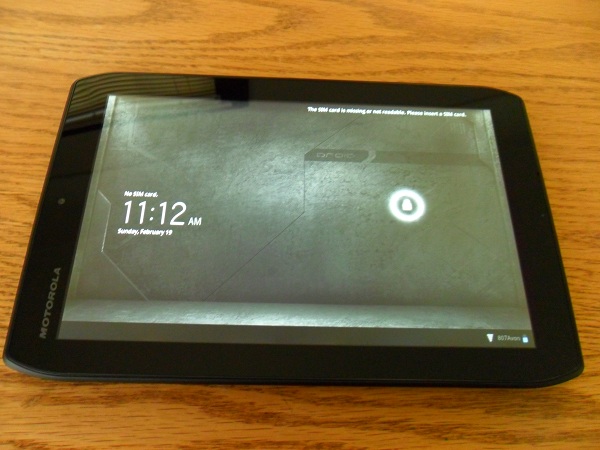
  • Size – Holding the Droid Xyboard 10.1 in landscape orientation is just fine, but when switching it over to portrait it felt awkward to hold and touch the screen. When using the iPad, the transition from landscape to portrait is seemless, but on the Xyboard it feels more like a liability.
  • Software – Honeycomb is a lowlight and a highlight of the Droid Xyboard. While it runs very fast, the User Interface is very clunky and not easily learned by all people.

Overall


This is THE best Android Tablet, no doubt about it! Great display, amazing camera, super-fast processor, and running on Verizon’s 4G LTE Network, the Droid Xyboard absolutely smokes the other Android Competition and in some ways, even the Apple iPad.

I would recommend the Droid Xyboard 10.1 for Android enthusiasts, business people, or teachers. But if you are a first-time smartphone or tablet user, I would recommend checking out something else. You can read more about and purchase the Motorola Xyboard here.

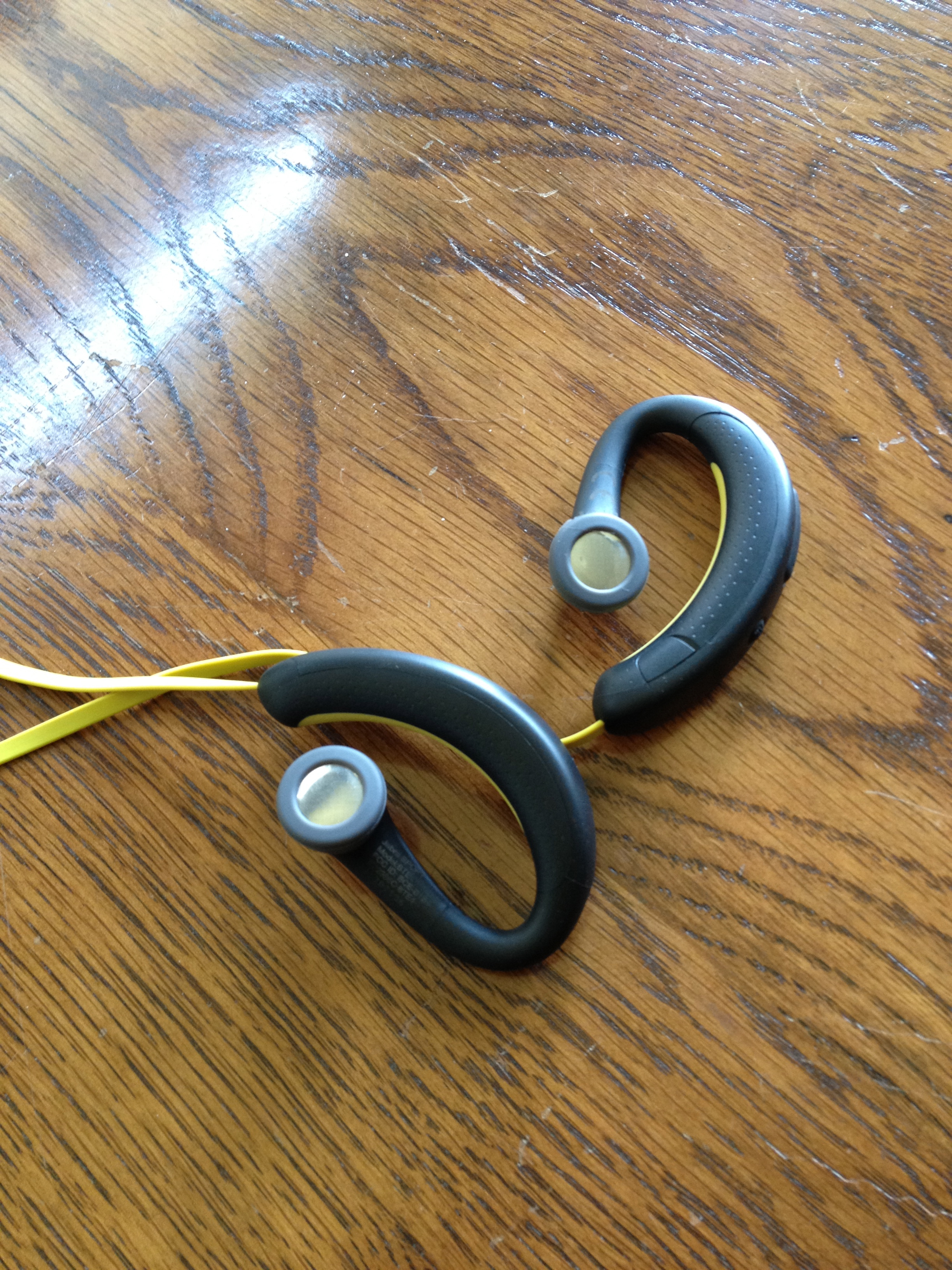
Review: Jabra Sport Bluetooth Headphones

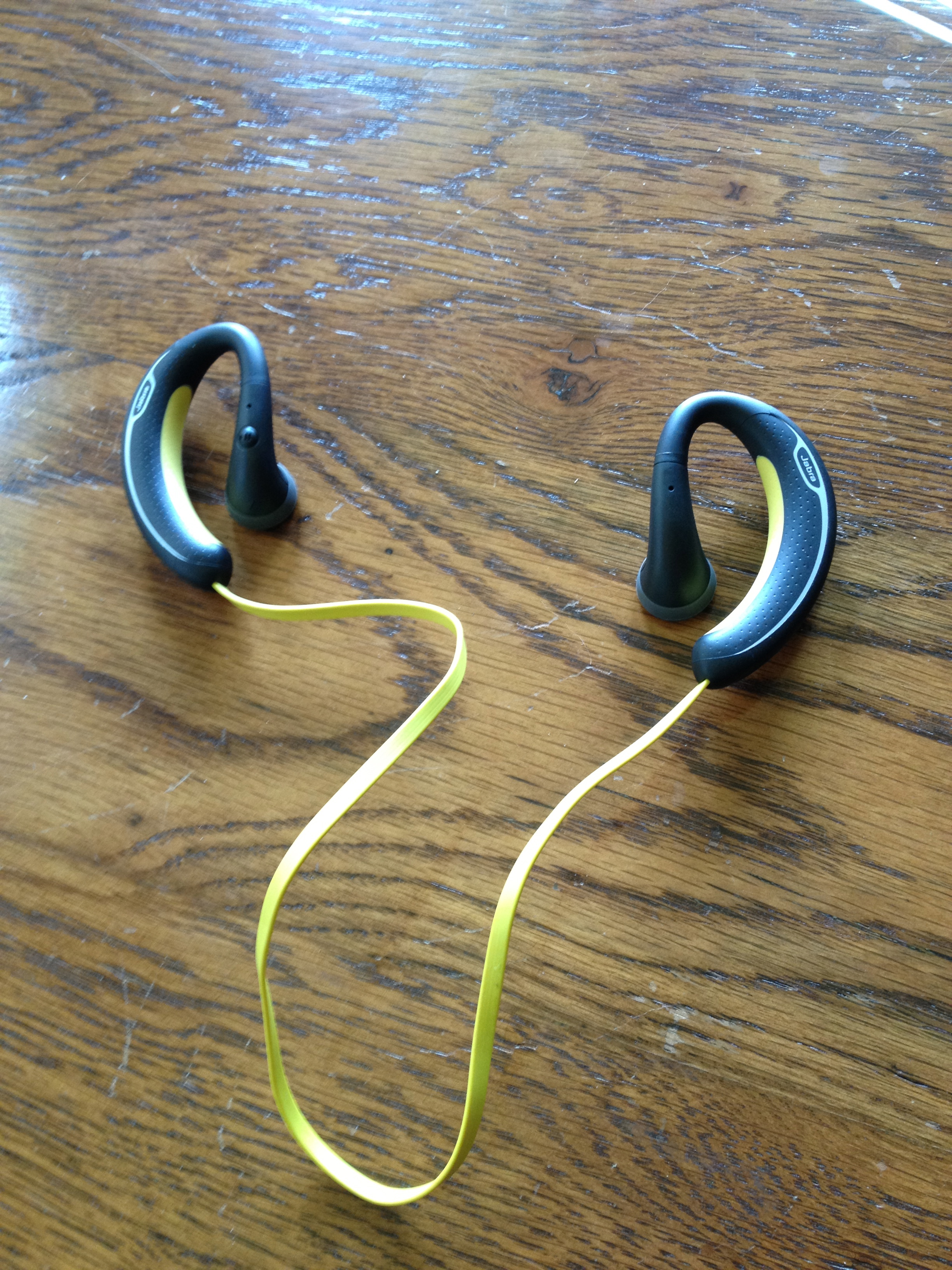
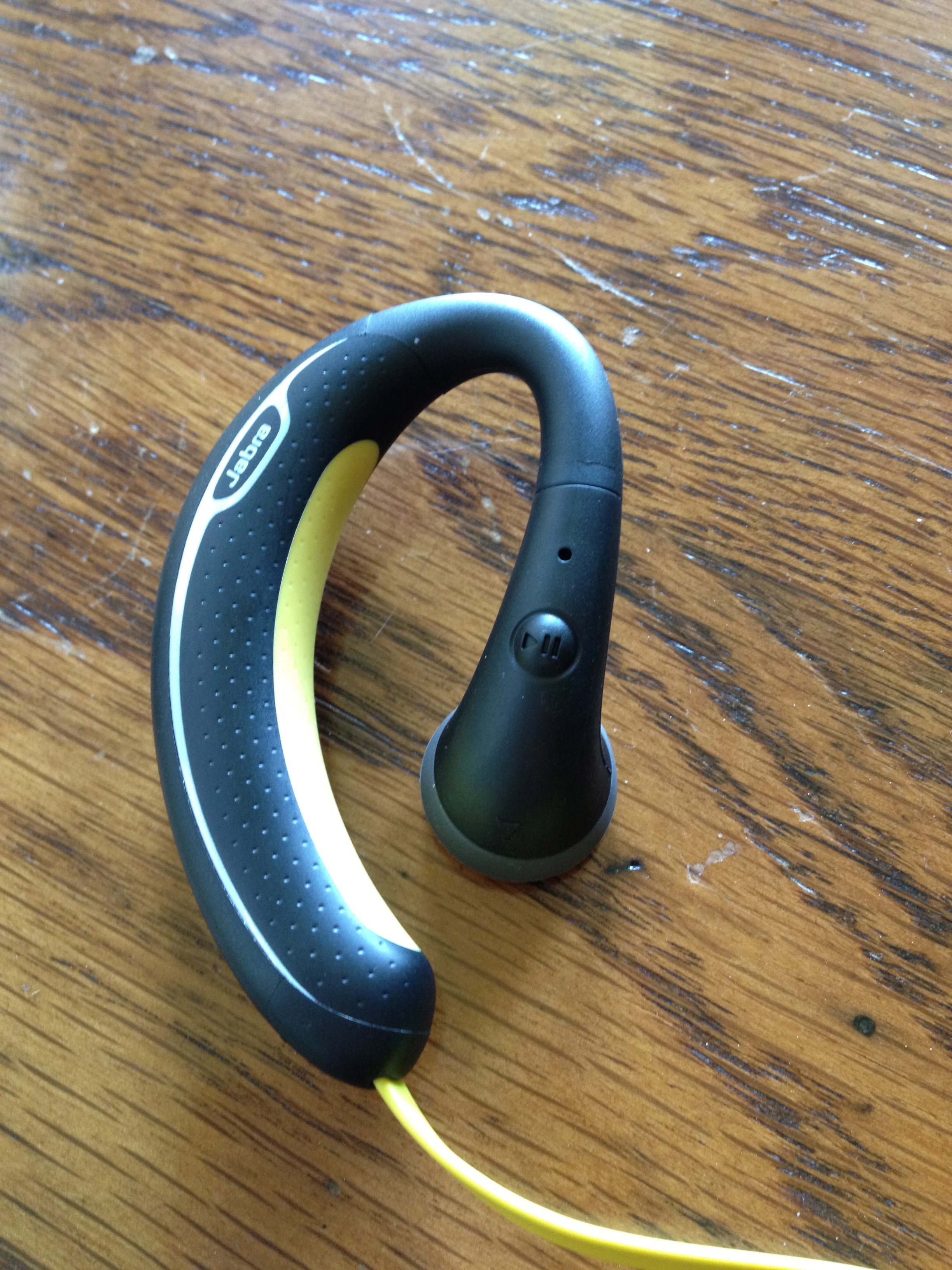
I listen to music a lot. Whether it be when I’m working out, running, or relaxing by a pool. It’s a daily part of my life. I believe to get the most out of your music, you need to hear it with a good pair of headphones. So naturally when I heard about the Jabra Sport Headphones I knew I had to get a pair, and write a review on them. So, can these headphones compete in the competitive, over-populated in-ear headphone market? How do they compare to the popular Beats By Dre iBeats? For all of this and more, keep reading my review of the Jabra Sport Headphones!

Usability


After using these for the last week, I am pleased to say that these headphones are extremely comfortable. As soon as you put them on, you forget that you are even wearing headphones! They stay in your ears well, without feeling too loose. That said, they might not be as comfortable for people with smaller or delicate ears.

Sound Quality / Calling


I was pleasantly surprised by the sound quality with the Jabra Sport. Bass came through very clearly, and there was no sound distortion whatsoever. The Jabra Sport was definitely created for people with an active lifestyle, and always on the move (running, working-out, walking, working in the garden, etc.)! These are not leisure headphones for long car trips or airplane rides.

Calls made through the Jabra Sport headphones were quite good. I was a little skeptic about the microphone being so far from my face, but I was quite impressed with it. Callers could hear me with no trouble at all. Hearing the call in both ears also makes it much easier to hear when you’re in a noisy surrounding.

Similar to other Jabra headsets, the Sport announces callers and informs you when the headset has been turned on or off, is in pairing mode, and allows for voice commands. These features work fairly well.(Caveat: although I never completely trust voice commands, still I always double-check the screen to ensure it’s calling the right person.)

Overall


Overall, these headphones are great for people who live an active lifestyle and want freedom from wires and the ability to easily answer calls and switch back to their music afterwards, without taking a break from their activity. However, if you’re an audiophile, you may want to keep looking. You can read more about and purchase the Jabra Sport here.

Full Gallery Below:

Review: Colcasac Zagora iPad Sleeve

I love using my iPad without a case or skin on it. I could never understand why people want to add bulk and weight to a beautifully thin and light device. That’s why I have always been a sleeve-type guy – something to keep my iPad from being scratched or dented while being transported, yet something that easily allows you to take the iPad out and hold it in your hands the way Steve Jobs intended. That’s the reason I started my search for a new iPad sleeve. Most of the sleeves on the market now are very sterile and boring in their appearance.

My search for the perfect iPad sleeve ended when I discovered the ColcaSac iPad sleeve. ColcaSac is a small company based in Salt Lake City, Utah that makes five different iPad sleeves, as well as numerous iPhone and MacBook sleeves. Their designs are simple, yet sophisticated. The ColcaSac I am reviewing is the Zagora model, which is available to purchase for $35.

The outside of the sleeve is made of a beautiful basketweave hemp canvas that gives it a slight rugged look and the inside of the Colcasac has a soft cotton interior that helps the iPad screen stay free of fingerprint marks or smears. The feature I like most on the exterior of the Colcasac iPad sleeve is the pocket on the front – it’s perfect for holding your iPhone or your iPad charger while on the go.

Alot of the iPad sleeves on the market now have a pretty big flaw – they don’t hug or protect the iPad tightly. That’s not a problem with the Colcasac. With ColcaSac’s new sleeve I can open the sleeve (it uses a Velcro fold to close), hold it upside down, and have the iPad slide out nice and slowly.

Considering the design and quality materials they use, the $35 price tag for the ColcaSac is an absolute steal. It’s also a smart and beautiful choice for iPad owners who want something aesthetically different from the usual offerings of iPad sleeves found on Amazon or in Apple Stores.

Overall, this is THE sleeve to beat for the iPad. Tight fit, pocket on the front, and high-end materials used all for $35. You can read more about the Colcasac iPad sleeve or purchase it here.