Review: Apple iPad Mini

ipad-mini-mock
The iPad Mini – a device that has been rumored since the original iPad was announced in 2010 – is finally here. With it, comes some new features and tricks like the newly updated 7.9 inch display, Apple’s A5 chip, and the 5 megapixel back camera, to name a few.

Can this new iPad beat out the Kindle Fire HD or the Google Nexus 7?

How is the new iPad Mini compared to the iPad?

Which iPad should I get?

All of these questions will be answered and more in my review of the Apple iPad Mini.

————-

Hardware
ipad-mini-1-rerview

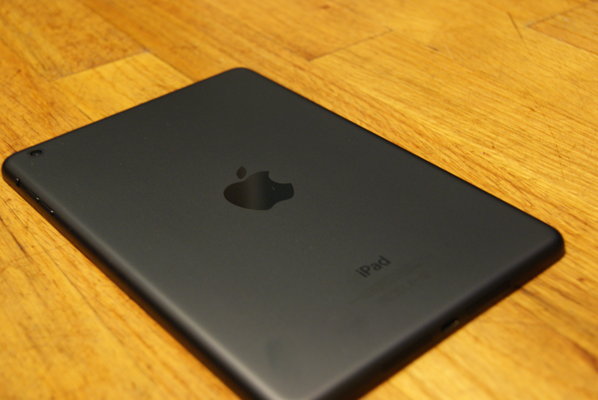
The iPad Mini is available in 2 color options, White & Silver or Black & Slate and it comes in 3 storage options: 16GB, 32GB, or 64GB. I reviewed the Black & Slate 64GB model.

The iPad Mini screams through web-browsing, playing games, & checking your emails. I experienced no lag at all, which is very impressive, especially with the new, smaller form-factor. The Apple-made A5 chip is the same processor that’s used in the iPhone 4S & iPad 2, which allows the Mini to cruise through everyday tasks, but for hard-core gamers, I would recommend checking out Apple’s new iPad with Retina Display.

The cameras on the iPad Mini are perfect for FaceTiming with friends and family, with the front-facing camera having a 1.2 MP sensor with HD video recording capabilities and the back camera having 5 MP and 1080p HD video recording. If your into taking and sharing pictures for Instagram or Facebook, it might be better to use your iPhone or smartphone as the iPad Mini’s back camera is considerably weaker than the iPhone 5’s 8 MP camera.

Apple created the iPad Mini mainly for people who are constantly on the go, plus the younger set too! The new display size is definitely more portable coming in at 7.9 inches compared to the iPad’s 9.7 inch Retina display. The iPad Mini’s display may not be “Retina” like it’s sister, the iPad, but because of the smaller display size, text & pictures look very sharp and crisp on the Mini’s display.

Software

ipad-mini-landscape

Apple’s iOS software has kept getting better and better each year. Now with the release of iOS 6 this past fall, it is even better. iOS is all based on simplicity and functionality, while still keeping a beautiful user interface.

The iPad Mini comes with Siri, Apple’s new personal assistant, which allows you to ask anything from where to go for dinner or what the score was of the New York Jets latest game, all by talker to “her”. Sometimes Siri isn’t always on par though, and every so often she misunderstands a word or statement, but it’s easy to correct by tapping on the text that you entered and editing using the on-screen keyboard. In most of my testing however, Siri always handled my requests readily with few mistakes.

Also coming pre-loaded on the iPad Mini is FaceTime capabilities, Apple Maps, and iMessage, which adds more great features to the iPad Mini.

FaceTime is a great way to connect with friends and family using the front-facing camera. FaceTime works wherever there’s Wifi available and it uses the front and back facing cameras. Using the app is very simple, and after a few clicks, you’ll be talking with friends and loved ones in no time.

Apple Maps has received a lot of bad coverage in the media over leading users to the wrong addresses or places, but Apple has released a PR announcement saying that they know this is something to work on, and they are putting a lot of effort into making this a better feature in iOS 6. In my testing, all of my Maps navigations correctly led me to the right locations.

iMessage is another way to connect with friends and family over Wifi. You can iMessage anyone that has an iPhone, iPad, or iPod Touch, once you set up your Apple ID your good to go!

Overall

ipad-mini-siri

Overall, the iPad Mini is great for people on the go, or for students who need to write notes and read textbooks. The iPad Mini is super-fast, crystal-clear, and has over 275,000 iPad apps on the App Store at your fingertips. If you are a hard-core gamer or are a professional photographer who might need better graphics or the Retina Display, then I suggest looking at a regular iPad.

The iPad Mini is available from Apple.com starting at $329 USD.
Quick Review: Samsung Galaxy S III for Verizon Wireless

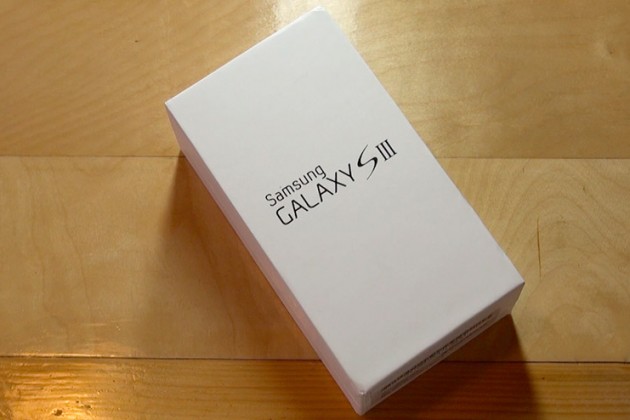
Considering its predecessor, the Galaxy S II, sold millions upon millions of units, a lot of expectations have been mounted on Samsung’s shoulders for this quad-core smartphone. Is it really worth all the hype? How does it perform in everyday life? You can find out about all of this and more in my review of the Samsung Galaxy S II for Verizon Wireless.

 —-

Specs

– Screen: 4.8″ 720×1280
– Processor: 1.4 GHz quad-core Exynos
– Storage: 16GB/32GB/64GB, Up to 64GB SD card support
– Camera: 8-MP rear camera with LED flash, 1.9MP front-facing camera
– Connectivity: HSPA/3G, Wi-Fi 80.211b/g/n, Bluetooth 4.0, DLNA, A-GPS, GLONASS, NFC, Wi-Fi Direct, USB On The Go
– Ports: microUSB (MHL compatible), 3.5mm headphones
– Battery: 2100mAh, removable
– Price: $200 ($599 for full-retail)

What is it?

It’s the smartphone that was designed to put every other Android phone in the dust. It’s got a huge HD display with next-gen screen technology; Samsung’s new quad-core Exynos processor chip, and a bunch of new software; including this really cool eye-tracking ability to change the screens brightness!

Who’s It For?

This phone was built for a broad range of people, everyone from Android enthusiasts, to the people who still use a typewriter, all the way to the Apple Fanboys.

Design

There are many people who are just sold on the phone because they owned a previous Galaxy S device, as well as some people who don’t know anything about the phone but like the largeness of the device. That’s great, but what about the design and the feel of the device? Will it fit in your pocket? Ladies, what about your little clutch purse?

The new HyperGlaze polycarbonate chassis feels very cheap, nothing like the high-end smartphone as Samsung advertises. While it may be pretty to look at, it make’s the SIII feel very fragile, almost like a child’s toy.

The camera-button has lost it’s previous location, and now the the volume button placement makes it slightly tricky to activate the lock key on the other side.

However, while first impressions will be mixed, the build quality of the Galaxy S III is excellent. When the Galaxy SIII was unveiled, Samsung states that they created the new smartphone to resemble the Earth. The toughened glass front feels very solid when stroked and prodded, and the beautiful design of the chassis fits very well in the palm – very much like a pebble, thanks to the rounded edges.

Plus, on the back side of the device, there’s a compartment for a removable SD card, so smartphone users can further personalize their experience.

Using It

Samsung has changed the UI of the Galaxy S II (TouchWiz) a little bit, adding re-sizeable widgets and some brand new widgets like a brand new brightness toggle in the notifications tray.

The camera is very strong. It uses a very similar sensor as seen in the S II, and while the software optimisation has made it super quick and added in some key features, camera lovers might not want to use this as their daily camera of choice.

But overall, the phone just works. There’s no more lagging when flipping through the homescreens, playing games, or watching movies, like I experienced with the Galaxy S II. (My review here.)

Highlights

The Super AMOLED screen offers terrific sharpness and vivid colors when viewing pictures, movies, or playing games! Samsung has been known for there very vivid TV screens and they seem to have brought the best of their television screens to the new Galaxy S III.

Again, the Samsung Galaxy S was very fast, and I experienced no lag during my two weeks of testing.

Lowlights

The only real issue I have with the Galaxy S III is the design. If I am paying $200 ($599 for full-retail) I want my smartphone to feel like an expensive, solid device, not like a child’s toy.

Overall

Should you buy it? If you haven’t bought a new smartphone since 2010, and are looking for an Android phone, yes. But, if you are still on the edge about buying it, I would wait until the new iPhone (5th generation) comes out, and compare the two.

Get past the design and you’re looking at one of 2012’s leading smartphones: crazy powerful, with a beautiful screen, and more storage than an average USB stick.

It’s not perfect (I haven’t seen any phones this year hit that bar) but it’s very, very close… and it will probably be enough to entice those that simply can’t bear the thought of waiting until October to pick up the iPhone 5.

You can read more about and purchase the Samsung Galaxy S III here.

Review: Boxwave KeyboardBuddy iPhone Case

Millions of people are very happy with Apple’s on-screen virtual keyboard, but many still desire a tactile response only a physical keypad can provide. Apple has stated in the past that it sees no point in adding a hardware QWERTY keyboard onto the iPhone, but the company goes back and forth so many times with iOS products that no one knows what to believe.

Knowing this, BoxWave thought of a way to use the iPhone’s Bluetooth technology and build a case that had a physical QWERTY keyboard. It’s great for people who want Apple to add a QWERTY to the iPhone, but will it lure over virtual-keyboard-users over? How is it compared to the other Bluetooth Keyboard Cases for the iPhone? I’ll answer all of these questions and more in my review of the BoxWave KeyboardBuddy case for iPhone 4 & 4S.

Design

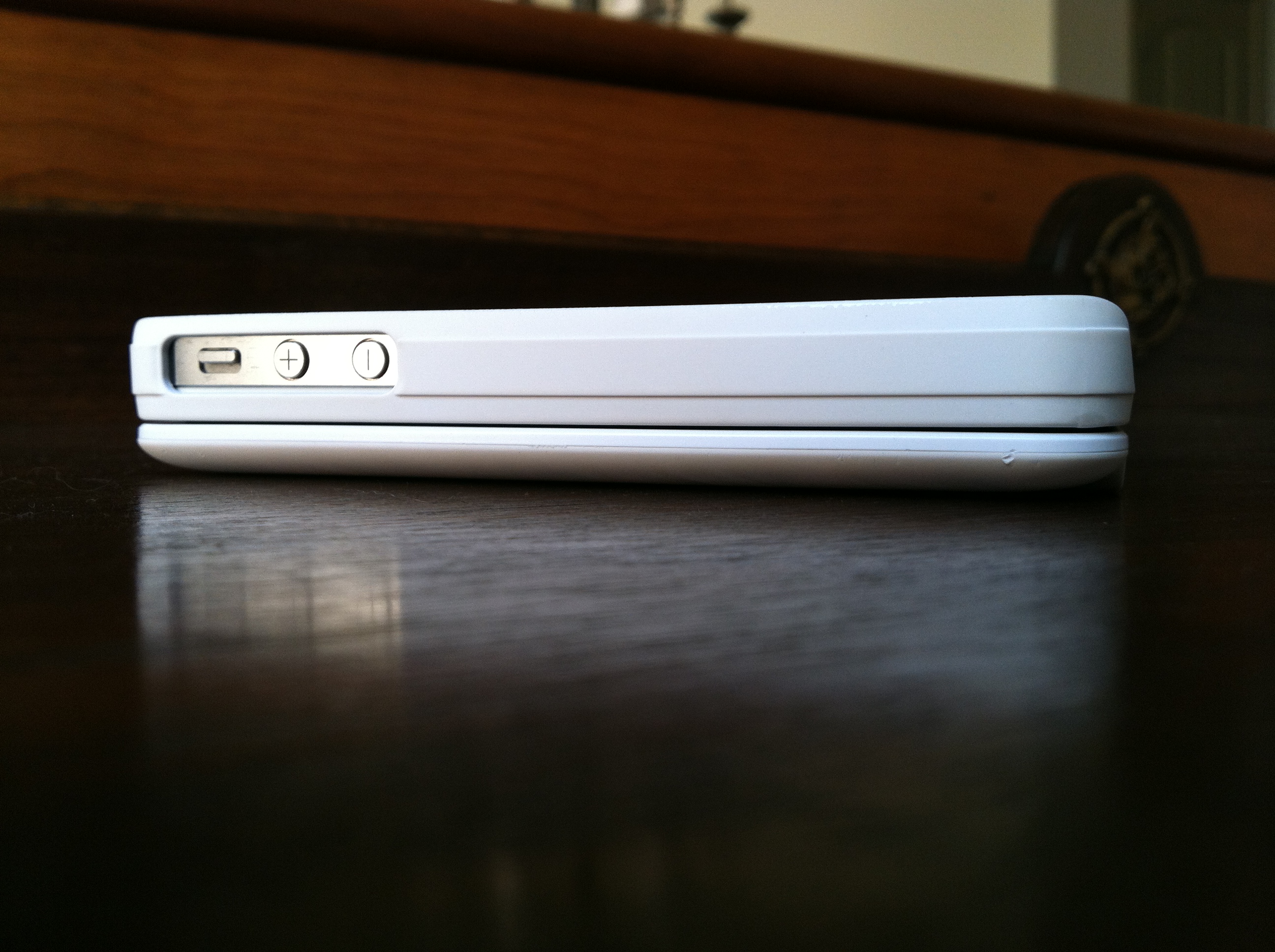
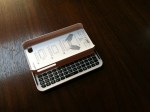
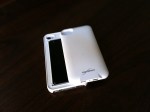
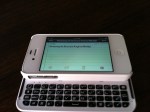
Design wise, the Keyboard Buddy is very sleek, especially considering that it adds a full hardware keyboard to the back of the device. The sliding mechanism is very solid, and there’s an enthusiastic click as you open and close it. It’s reminiscent of the slider on a device like the T-Mobile Sidekick – and that’s a good thing!

There’s also more than enough room to hit the top row of number keys, something other sliding cases often have trouble with. It charges via miniUSB, and BoxWave claims you should be able to go a huge 45 days without having to re-charge. The whole kit has a matte white, soft touch finish that adds a nice grip to the all-glass iPhone. Pairing the Keyboard buddy was an uneventful affair; the BoxWave was up and running in about 30 seconds after typing in a passcode. That’s when I could start putting this thing to the test!

Keyboard

The actual keyboard on the Keyboard Buddy is very similar to the one found on the Droid 2 or 3. Keys are laid out edge-to-edge, and there’s a decent amount of give with each click. The space bar is perfectly placed in the center of the keyboard, unlike some of the other Bluetooth keyboards on the market today. There’s a home key on the top left as well as a lock key right below it, two nice touches for sure.

It’s important to point out that when you choose to use a physical keyboard with your iOS devices, you lose all autocorrect functionality. I longed for things like automatic capitalization of “i” for example, and wish that it would automatically add apostrophes to words. Hopefully this is something Apple could enable as an option in a future version of iOS.

Overall

Overall, the BoxWave KeyboardBuddy case is an excellent option for BlackBerry users wanting to switch to the iPhone but not wanting to sacrifice their physical keyboards, as well as for older iOS users who have trouble seeing the letters on the iPhone’s virtual keyboard and like the satisfying click of a button when using a physical keyboard. I can type faster on the iPhone’s virtual keyboard, but I do like using the KeyboardBuddy to type out long emails or blog posts when I’m on my iPhone. You can read more about the BoxWave KeyboardBuddy and purchase it here.

Full gallery below: